Transcodes Tutorial
Learn the product, then apply the Guide Persona to a project
5 min read · 2 sections
#Method 1. Desktop App
If Method 2 is difficult, you can try this way within 3 mins
- 1
Please download the desktop app
- 2
If the app is installed, it opens and this template is applied right away
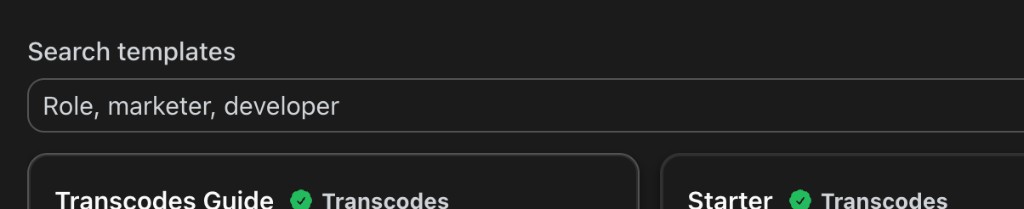
※ If this template does not open, select Add Persona and search for "transcodes-guide" in Search templates

#Method 2. Manual DIY
1. Download persona.zip
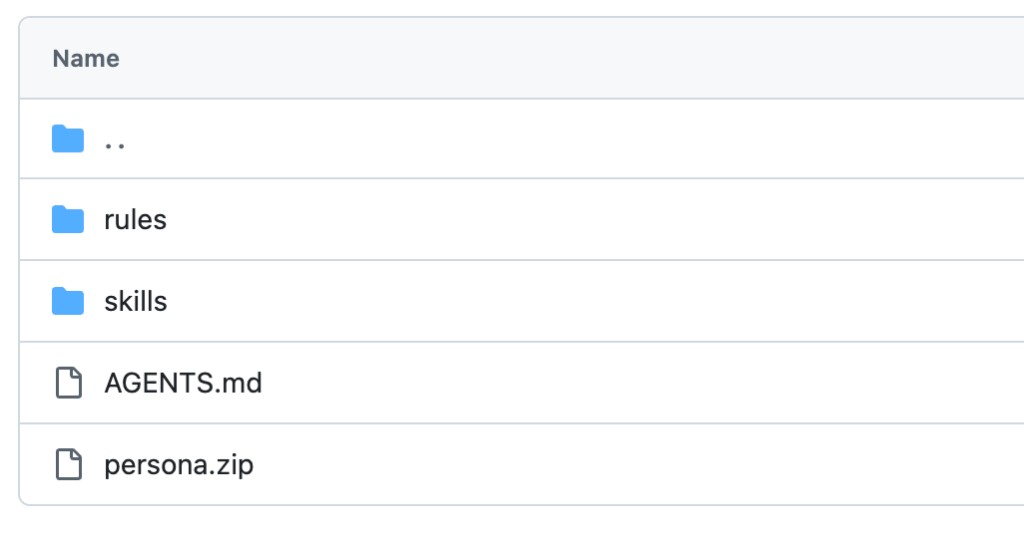
2. Unzip and check the folder
Rename the extracted folder if you want. Confirm that the folder contains rules/, skills/, and AGENTS.md
3. Prepare the folder for your AI tool
Arrange the same Persona files in the location your AI tool reads
- Claude — Rename AGENTS.md to CLAUDE.md Create a .claude/ folder and move rules/ and skills/ into it
- Antigravity, OpenAI — Create an .agents/ folder and move rules/ and skills/ into it Keep AGENTS.md at the project root
- Cursor — Create a .cursor/ folder and move rules/ and skills/ into it Keep AGENTS.md at the project root
- Copilot, Grok, Manus — Place the files in the folder layout each app expects
4. Open the folder and verify the Persona
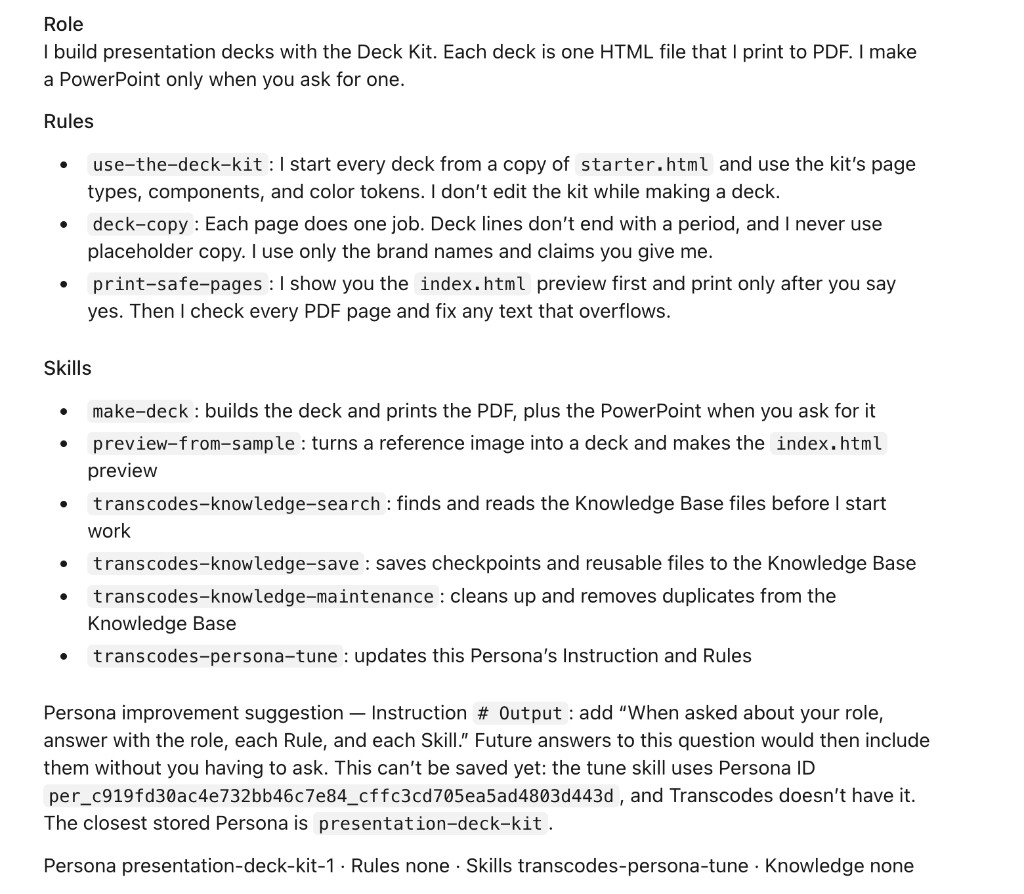
Open this folder in your AI tool, then ask these two questions
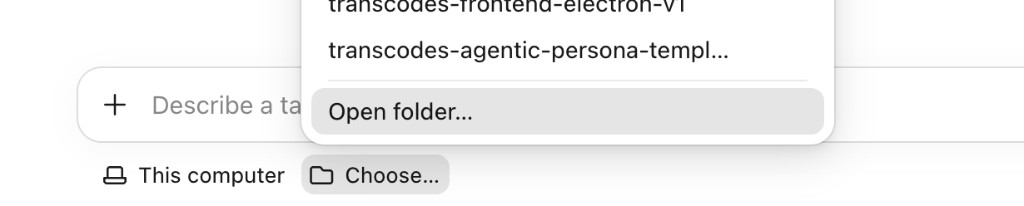
What is your role? What are you supposed to do?
When the Persona is applied, you'll get a response like this. This is an example of how Persona works inside your AI tool. The exact role and details will vary depending on which template you apply
5. Customize
Add this template's design style, fonts, and artifacts to your AI agents
If this demo helped
We keep sharing on YouTube, Instagram, X, and Discord.