Audit your site for security flaws
Apply Cloudflare's public security-audit Persona and review trust boundaries in the code
5 min read · 2 sections
#Method 1. Desktop App (No Sign-in, No Credit Card)
If Method 2 is difficult, you can try this way within 3 mins
- 1
Please download the desktop app
- 2
If the app is installed, it opens and this template is applied right away
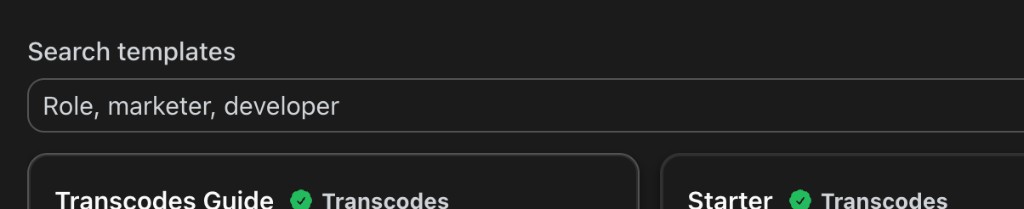
※ If this template does not open, select Add Persona and search for "security-audit" in Search templates

#Method 2. Manual DIY
1. Download persona.zip
Press the button and persona.zip downloads right away
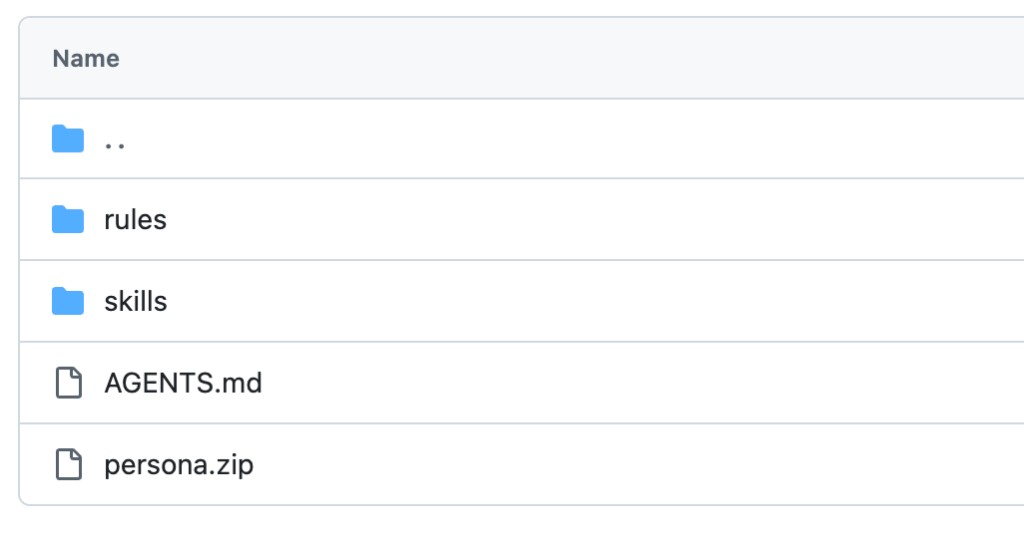
2. Unzip and check it has rules/, skills/, and AGENTS.md
persona.zip is nothing more than a simple bundle of rules/, skills/, and AGENTS.md
3. Prepare the folder for your AI tool
Arrange the same Persona files in the location your AI tool reads
- Claude — Rename AGENTS.md to CLAUDE.md Create a .claude/ folder and move rules/ and skills/ into it
- Antigravity, OpenAI — Create an .agents/ folder and move rules/ and skills/ into it Keep AGENTS.md at the project root
- Cursor — Create a .cursor/ folder and move rules/ and skills/ into it Keep AGENTS.md at the project root
- Copilot, Grok, Manus — Place the files in the folder layout each app expects
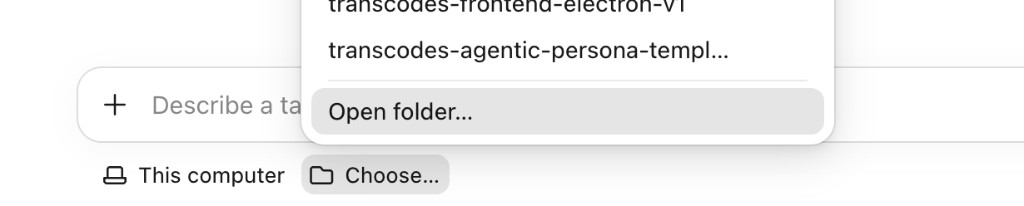
4. Open the folder and verify the Persona
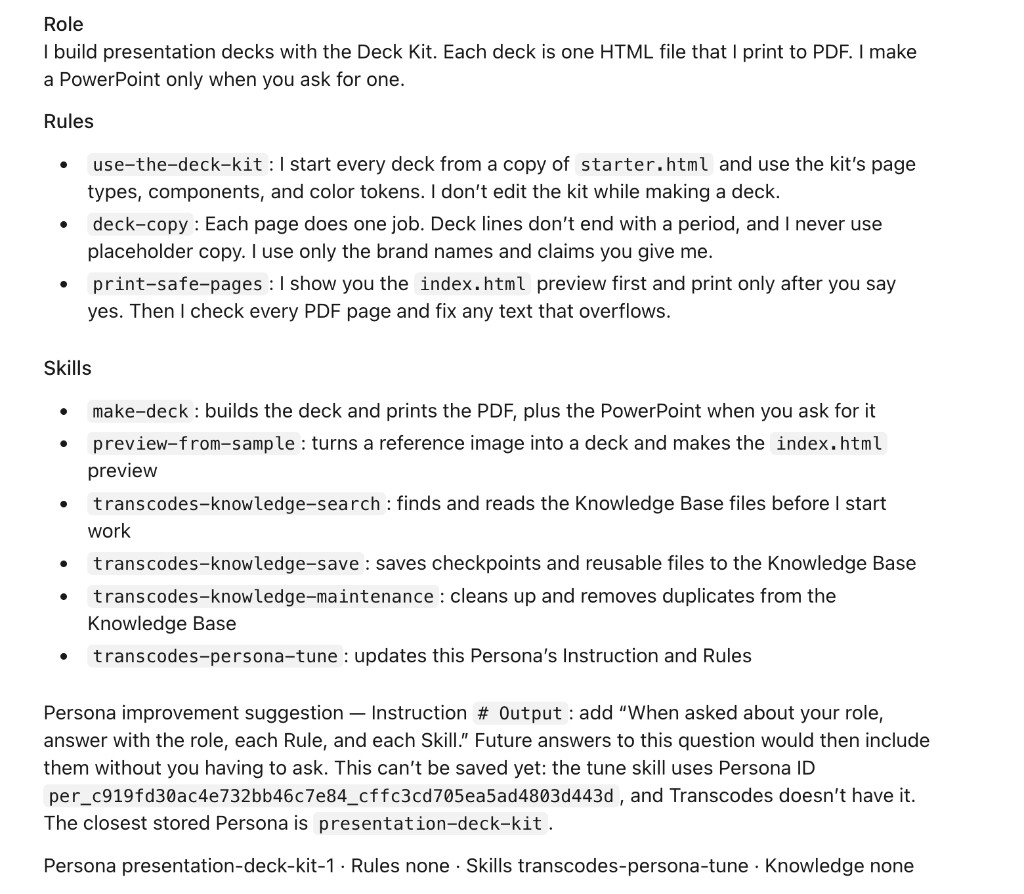
Open this folder in your AI tool, then ask these two questions
What is your role? What are you supposed to do?
When the Persona is applied, you'll get a response like this. This is an example of how Persona works inside your AI tool. The exact role and details will vary depending on which template you apply
5. Try the website security check prompt
Copy the request below. The Persona checks the code and configuration, separates confirmed findings from items that need validation, and recommends the smallest safe fix without probing a live site
Security audit this codebase and review these checkpoints: 1. Map entry points, assets, data flows, trust boundaries, and privileged operations 2. Check authentication, sessions, cookies, JWT/OAuth, passkeys, recovery, and credential lifecycle 3. Check authorization, role and tenant isolation, object ownership, IDOR, and privilege escalation 4. Trace untrusted input for injection, XSS, SSRF, path traversal, unsafe redirects, file handling, and command execution 5. Review API and browser security: CORS, CSRF, CSP, security headers, caching, request parsing, and rate-limit or replay controls 6. Review secrets, environment configuration, logs, error responses, sensitive-data exposure, and third-party dependencies 7. Review cryptography, token generation, signature verification, expiry, revocation, and one-time state 8. Report source evidence and affected trust boundaries for every finding 9. Classify results as confirmed, needs validation, or rejected; do not report missing hardening alone as a vulnerability 10. Recommend the smallest source-level fix and explain how to verify it safely Do not probe a live site or production service. Read the source first and clearly state any coverage gaps.
If You Still Have a Problem, Let's talk
If you want more updates, subscribe to the channels
We keep sharing on YouTube, Instagram, X, and Discord.