Build a landing page with motion graphics
Persona that includes a free Claude skill made from the most popular designs on the web design site MotionSites (motionsites.ai)
5 min read · 2 sections
#Method 1. Desktop App (No Sign-in, No Credit Card)
If Method 2 is difficult, you can try this way within 3 mins
- 1
Please download the desktop app
- 2
If the app is installed, it opens and this template is applied right away
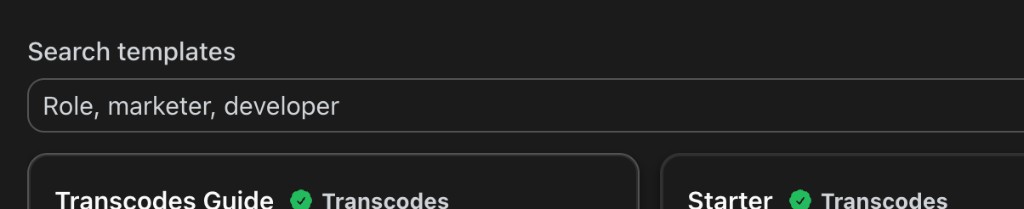
※ If this template does not open, select Add Persona and search for "landing-page-builder" in Search templates

#Method 2. Manual DIY
1. Download persona.zip
Press the button and persona.zip downloads right away
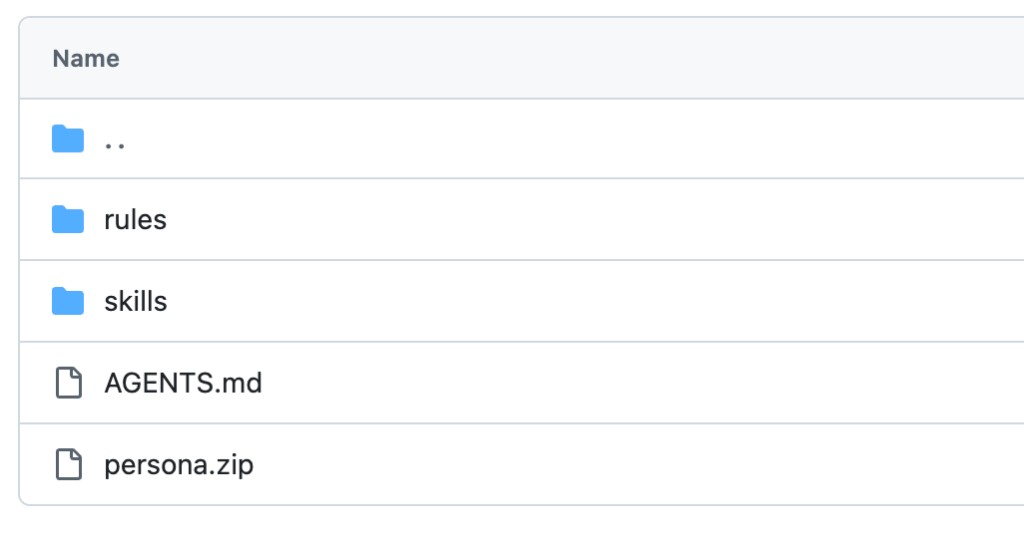
2. Unzip and check it has rules/, skills/, and AGENTS.md
persona.zip is nothing more than a simple bundle of rules/, skills/, and AGENTS.md
3. Prepare the folder for your AI tool
Arrange the same Persona files in the location your AI tool reads
- Claude — Rename AGENTS.md to CLAUDE.md Create a .claude/ folder and move rules/ and skills/ into it
- Antigravity, OpenAI — Create an .agents/ folder and move rules/ and skills/ into it Keep AGENTS.md at the project root
- Cursor — Create a .cursor/ folder and move rules/ and skills/ into it Keep AGENTS.md at the project root
- Copilot, Grok, Manus — Place the files in the folder layout each app expects
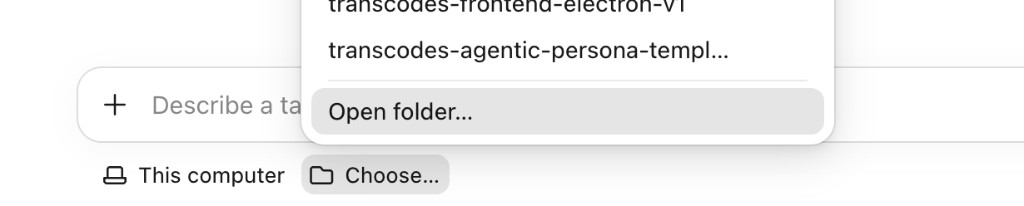
4. Open the folder and verify the Persona
Open this folder in your AI tool, then ask these two questions
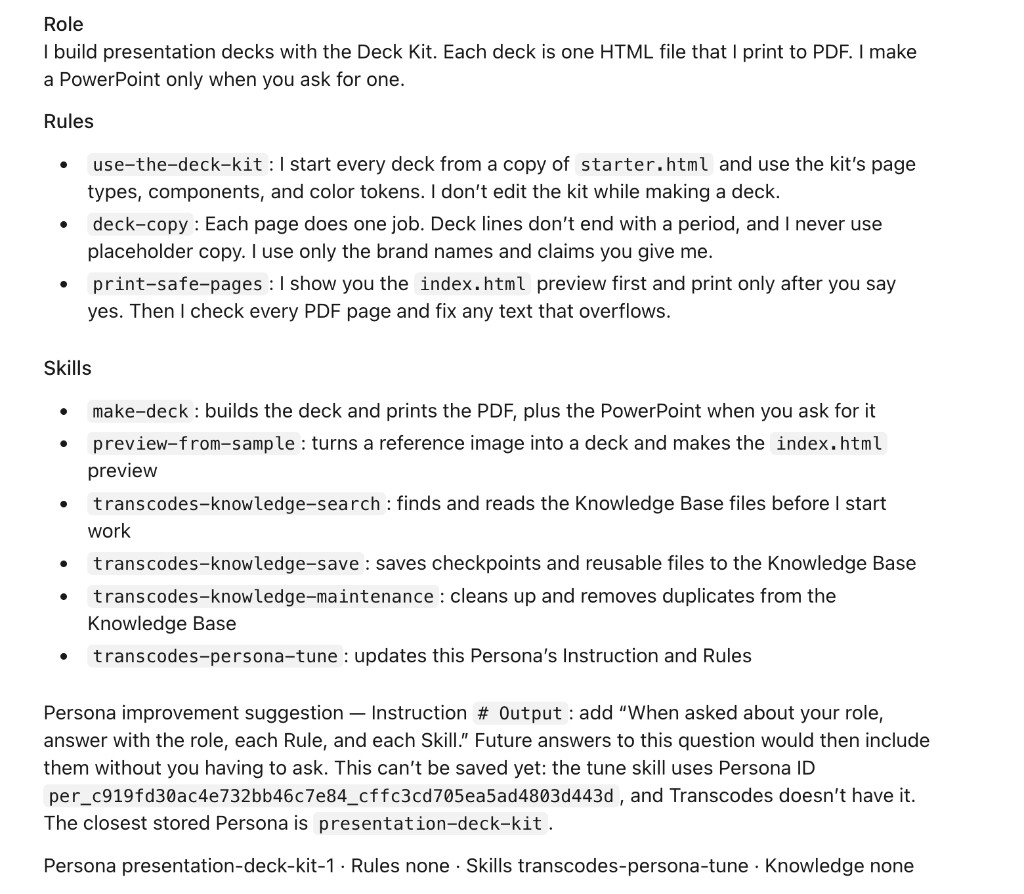
What is your role? What are you supposed to do?
When the Persona is applied, you'll get a response like this. This is an example of how Persona works inside your AI tool. The exact role and details will vary depending on which template you apply
5. Fill in your landing page brief
In the Transcodes app, save this prompt as spec.md so the AI can understand it
Landing Page Brief 1. Service and brand: [Name the service and brand] 2. Service, value, and audience: [What it does, why it is different, and who it is for] 3. Pages and sections: [Number of pages, page names, and section order] 4. Goal and CTA: [Main conversion goal and CTA label] 5. Design system: [Colors, fonts, logo, and brand guidelines, or none] 6. Motion: [Motion style, key effects, and intensity] 7. Content and assets: [Available copy, images, videos, and screenshots] 8. Delivery: [Language, technology stack, deadline, and constraints]
If You Still Have a Problem, Let's talk
If you want more updates, subscribe to the channels
We keep sharing on YouTube, Instagram, X, and Discord.